Free. Optional courier delivery is billed separately after biometrics.
3020
+250 788 383 020
irembo.gov.rw
Before you apply
Check this list first — most rejected requests lose both the fee and the applicant's time.
Eligibility
- Rwandan citizen aged 16 or above with a valid national ID.
- Phone number registered in your own names (SIM registration must match your ID).
- No pending Single Digital ID application already in progress.
Documents to prepare
- Valid national ID (original for the biometrics appointment).
- Passport-style photo taken within the last 6 months, white background.
- Active email address you can open during the application.
Why requests get rejected
- Photo with a hat, sunglasses, filter or a busy background.
- Phone number registered under someone else's names — the OTP check fails.
- Names that do not match the national ID or passport exactly.
How to request this service
3 stepsBefore you start
You need a valid national ID, an active phone number registered in your name, and a personal email address.
The service is free. You will only pay for optional courier delivery after biometrics capture.
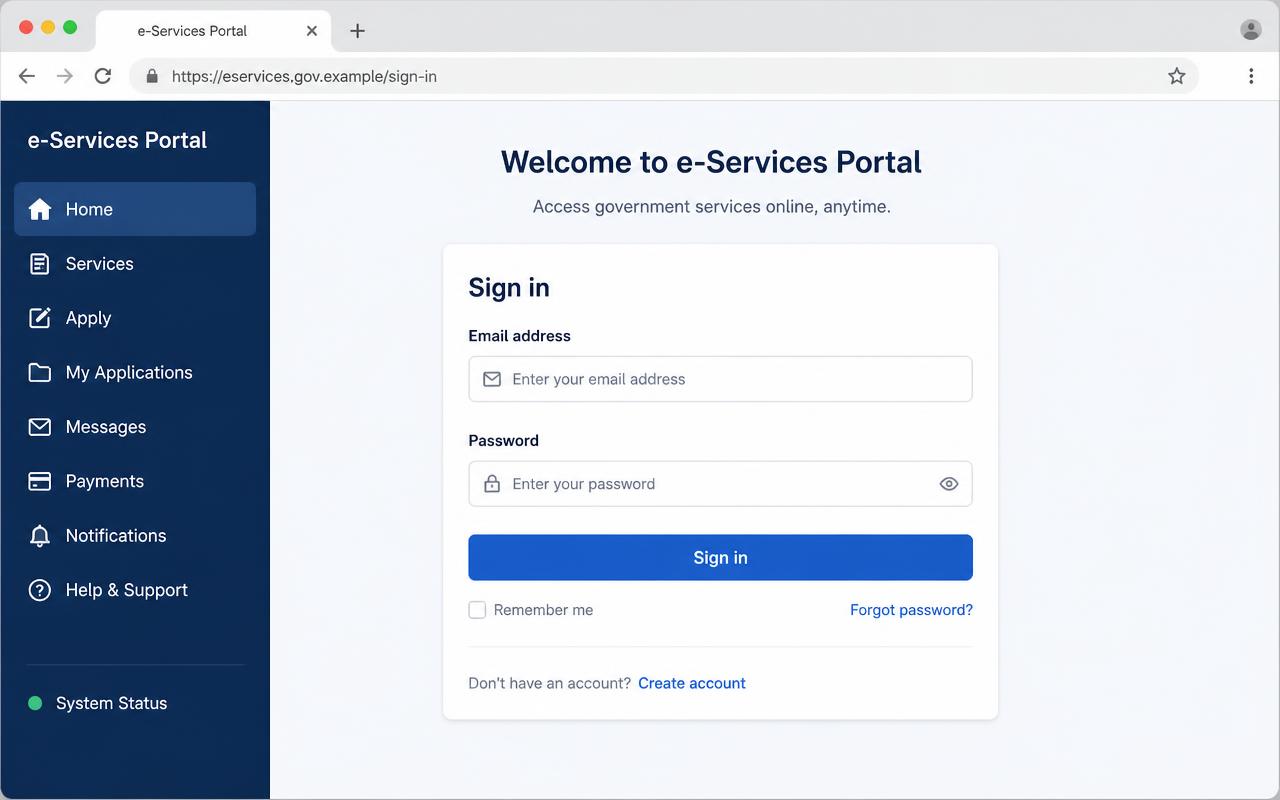
Sign in to the portal with the account registered in your own names. Complete pre-enrollment
Sign in to IZI and open the Identification section, then choose Single Digital ID.
Fill in your personal details, verify the OTP sent to your phone, and upload a passport-style photo.
Submit the form and note the confirmation number IZI-SDID-CONF displayed on screen and sent to your email.
Sign in to the portal with the account registered in your own names. Book your biometrics
Use the confirmation number to book a biometrics appointment at any Irembo Centre or district office.
Bring your national ID and the confirmation number printout on the day of your appointment.
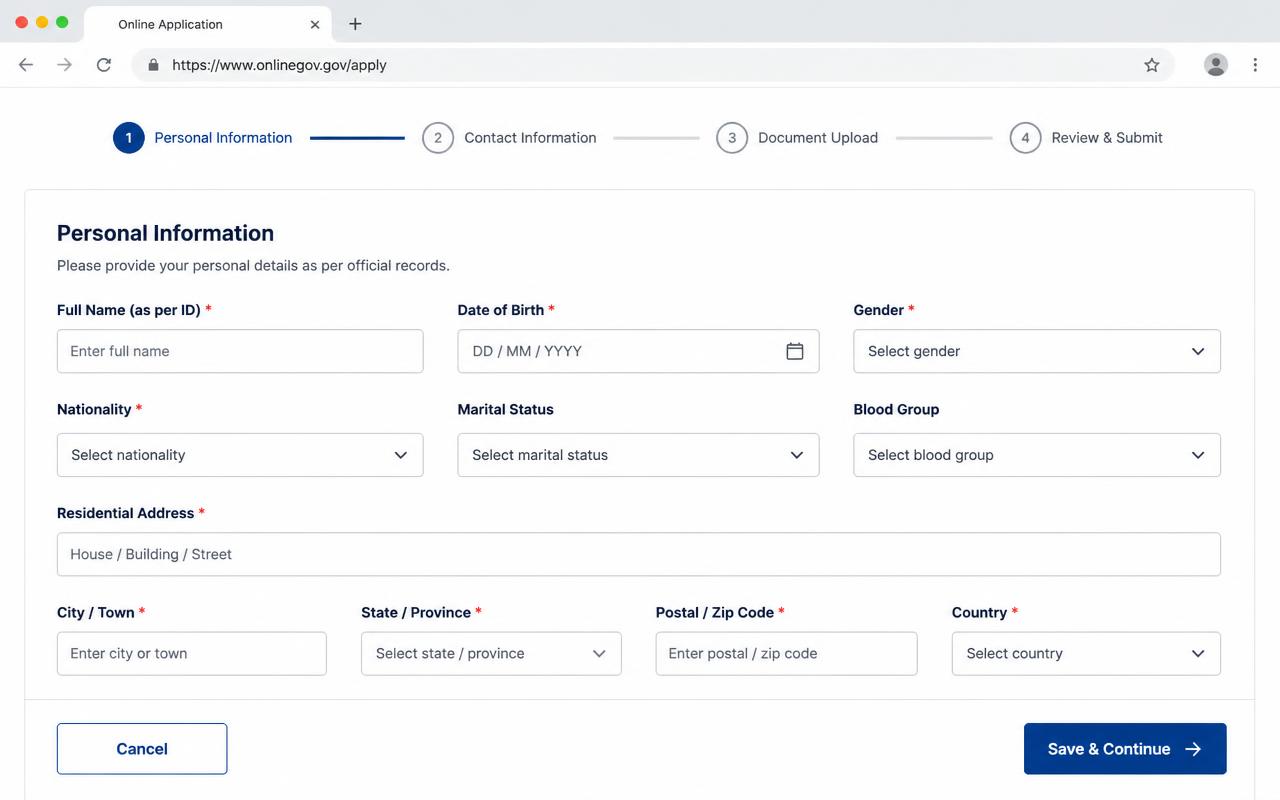
Fill each section of the application form exactly as written on your ID.
Was this article helpful?
Branches & offices
Where to walk in for National Identification Agency.
NIDA Headquarters — Kimihurura
KG 7 Ave, Kigali
+250 788 383 020NIDA Musanze District Office
Muhoza Sector, Musanze
+250 788 100 210NIDA Rubavu District Office
Gisenyi, Rubavu
+250 788 100 214NIDA Huye District Office
Ngoma Sector, Huye
+250 788 100 218
Related guides
Single Digital ID — pre-enrollment for dependents
Parents and guardians can pre-enroll children and legal dependents for Single Digital ID from one household account.
Register a governance complaint with MINALOC through MBAZA
Send a governance-related complaint to MINALOC and track the response from your dashboard.
Equate foreign qualifications — higher education
Have your foreign university degree recognised by the Higher Education Council through IZI.